
Tech Corner
15 Essential Apps Every Backpacker Needs Before Leaving Home
Discover the backpacking apps that solve real travel problems—from offline maps and hostel booking to currency conversion and safety tools.

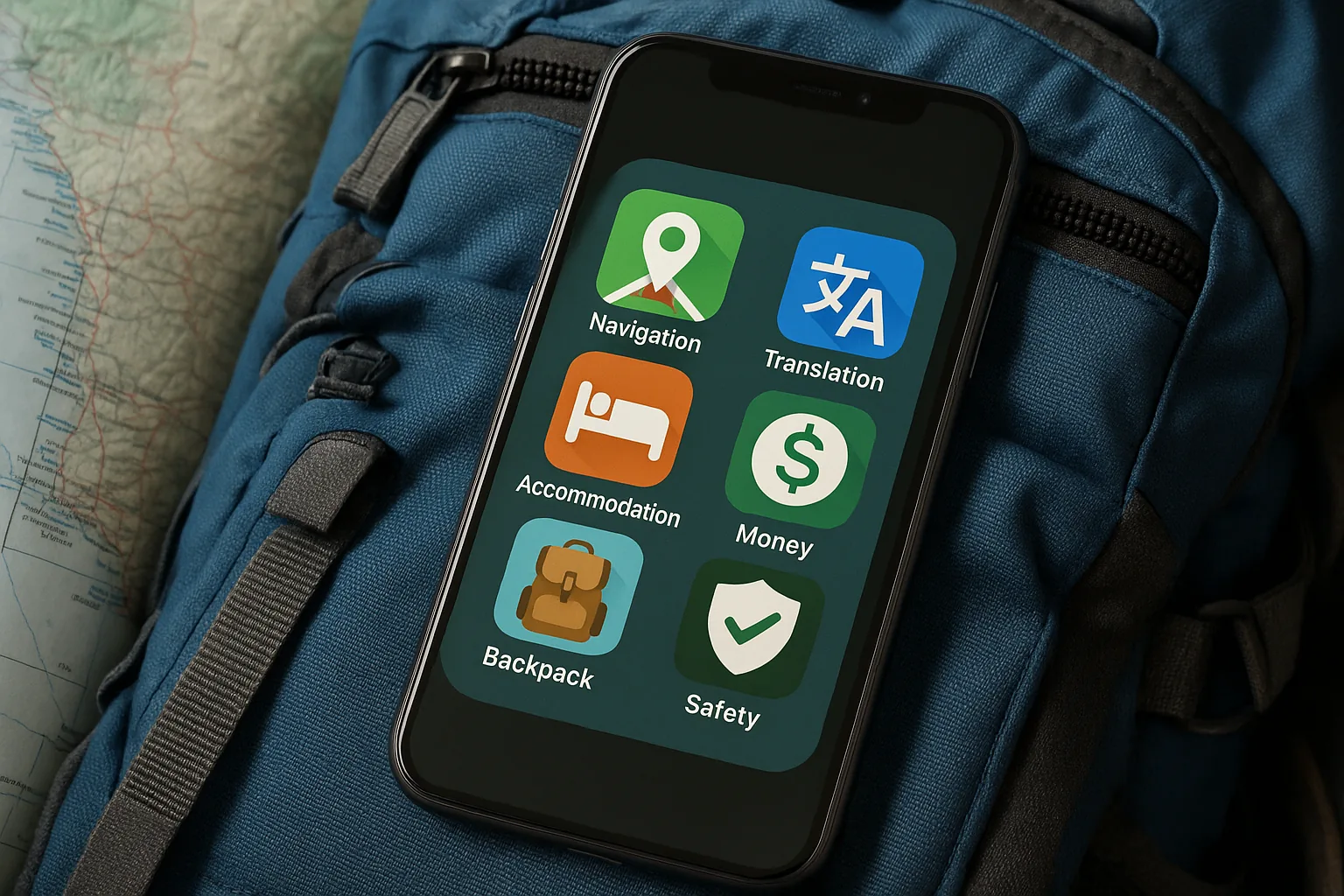
Your phone is already your camera, your journal, and your alarm clock on the road — so it might as well be your most reliable travel companion too. The right backpacking apps can save you from sleeping on a bench because you missed the last hostel booking window, rescue you from a street with no Wi-Fi and no clue where you are, and quietly keep your budget from exploding on day three. But with thousands of travel apps competing for space on your home screen, knowing which ones genuinely earn their place takes some experience. This guide cuts through the noise and gives you fifteen tools that actually solve real problems — organised by the moments when you’ll need them most.
Finding Your Way Without Getting Lost
1. Google Maps is the obvious starting point, and it earns that position every single time. Beyond basic navigation, it lets you save entire lists of places — restaurants, viewpoints, hostels, hidden staircases — so you can explore a new city with a personal map already built before you arrive. Crucially, you can download offline maps for any region before you leave Wi-Fi range, which means a dead data connection doesn’t mean a dead end. Download the map for your destination country the night before you fly, and you’ll never be that person spinning confused on a street corner.
2. Maps.me is a dedicated offline mapping app that many backpackers keep alongside Google Maps for areas where coverage is patchy. It draws on OpenStreetMap data, which means it often includes small trails, rural paths, and narrow alleys that larger apps skip over. It’s entirely free to download and use offline, making it a genuinely zero-cost safety net.
3. Gaia GPS is the one for anyone whose backpacking involves actual wilderness. It’s built for hikers, trail runners, and anyone spending serious time off the grid, with detailed topographic maps and GPS tracking that works without a signal. A free version covers the basics, while a subscription — roughly $20–$40 per year depending on the tier — unlocks premium map layers and downloadable trail data. If your trip includes multi-day treks, mountain crossings, or remote national parks, this one is worth every cent.
Booking Accommodation That Fits Your Style
4. Hostelworld is the go-to platform for budget travellers who want to meet people, not just sleep somewhere cheap. It lets you filter by dorm price, location, atmosphere, and social rating, so you can tell the difference between a quiet study hostel and one with a rooftop bar before you commit. Reading the reviews carefully is half the skill — look for comments about cleanliness, security lockers, and how the staff handles problems.
5. Booking.com covers a wider spectrum, from budget guesthouses to mid-range hotels, and its cancellation policies are often flexible enough to suit the spontaneous pace of backpacking. The app lets you filter for free cancellation, which is genuinely useful when your plans are likely to shift. It also works well in parts of Asia and Eastern Europe where hostel culture is less established.
→ Read also: Essential Apps for Backpackers in 2026: What You Actually Need (and What You Don't)
6. Airbnb comes into its own when you’re staying somewhere for a week or more, or when you’re travelling with a small group and want a kitchen and some breathing room. Entire apartments can work out cheaper per night than a private hostel room once you split the cost. The Experiences section is also worth exploring — local-led tours, cooking classes, and cultural workshops that you won’t find on a standard travel itinerary.
Managing Your Money Across Borders
7. Wise (formerly TransferWise) is one of the smartest financial tools a backpacker can carry. It lets you hold money in multiple currencies, convert at the real mid-market exchange rate, and spend abroad with a linked card without the punishing fees that traditional banks charge. Setting it up before you leave home takes about ten minutes and can save you a meaningful amount over a long trip.
8. XE Currency is a clean, fast currency converter that works offline once you’ve loaded the latest exchange rates. It’s not a bank or a card — it’s simply the fastest way to check whether a price is fair, calculate tips, or avoid being short-changed at a market stall. Free, lightweight, and genuinely useful every single day.
9. ATM Fee Saver is a lesser-known gem that provides information on ATM locations and expected withdrawal fees across around 30 destinations, including many countries in Europe, Latin America, and Southeast Asia. If you’re regularly withdrawing cash — which most backpackers still do in cash-heavy economies — knowing which ATM will charge you less before you walk up to it is a small but real advantage.
10. YNAB (You Need A Budget) takes a more disciplined approach to travel finances. It’s a full budgeting app that helps you assign every dollar a purpose before you spend it. The learning curve is steeper than a simple expense tracker, but if you’re prone to budget creep — spending a little more each day until you’re suddenly two weeks short of funds — the structure it provides is worth the effort. There’s a subscription cost, but a free trial lets you test it properly before committing.
Staying Connected on the Road
11. WhatsApp remains the universal standard for staying in touch while travelling. It works over Wi-Fi, handles international group chats without any cost, and lets you share locations, voice notes, and documents. Your family back home almost certainly already has it, and the hostels you’ll stay in will likely use it for check-in instructions and local tips. Keep notifications on for your accommodation messages — missing a key collection time is a very avoidable headache.
→ Read also: Luggage Storage Apps Tested: Bounce vs Stasher vs Radical Storage for Backpackers
12. Telegram is worth adding alongside WhatsApp, particularly if you’re moving through parts of the world where WhatsApp has connectivity issues or where traveller communities have migrated to Telegram groups for sharing real-time tips. Many backpacker networks, travel forums, and hostel communities now run active Telegram channels that function like a live, location-specific travel guide written by people who arrived two days before you.
Keeping Yourself Safe and Informed
13. Your government’s official travel advisory app — whether that’s the UK Foreign Travel Advice, the US State Department’s Smart Traveler Enrollment Program (STEP), or your country’s equivalent — is one of the most underrated tools in a backpacker’s kit. Registering your trip means your embassy knows where you are in a genuine emergency. These services are free, official, and updated regularly with safety and health information for every destination. It takes five minutes to sign up and could matter enormously if something goes wrong.
14. TravelSafe is a dedicated safety app that gives you quick access to emergency numbers, local police contacts, and nearest hospital information for countries around the world. In a stressful moment — a medical situation, a theft, an accident — having this information one tap away rather than having to search for it is a genuine advantage. Download it, open it once to check your destination is covered, and hope you never need it again.
Solving the Luggage Problem Between Check-Outs
15. Bounce or Stasher — and honestly, both are worth having installed — are luggage storage apps that connect you with local shops, cafés, hotels, and businesses willing to hold your bags for a few hours. This is one of those problems that sounds minor until you’re standing outside your hostel at 10am with a checkout time that’s passed and a flight that doesn’t leave until 8pm. Both apps show you nearby storage locations, their prices, and availability in real time. They typically charge by the bag per hour or per day, and the cost is almost always less than the frustration of dragging your pack through a city for eight hours. Bounce has strong coverage in major European and North American cities, while Stasher tends to have a solid presence in the UK and parts of Asia — having both installed means you’re covered in more places.
Getting the Most Out of Your App Stack
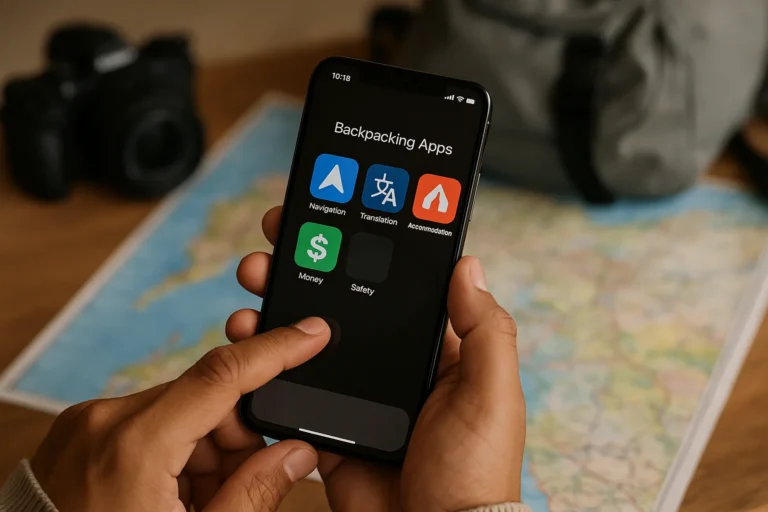
Fifteen apps might sound like a lot, but the key is to think of them in layers. Your navigation layer (Google Maps, Maps.me, Gaia GPS) handles the physical world. Your accommodation layer (Hostelworld, Booking.com, Airbnb) handles where you sleep. Your money layer (Wise, XE Currency, ATM Fee Saver, YNAB) handles the financial reality of travel. Your communication layer (WhatsApp, Telegram) keeps you connected. And your safety and logistics layer (official travel advisory tools, TravelSafe, Bounce or Stasher) handles the moments when things don’t go to plan.
- Download offline maps before you leave home — not at the airport with shaky Wi-Fi.
- Set up Wise and load it with travel funds at least a week before departure to avoid processing delays.
- Check ATM Fee Saver for your first destination so you know which cash machines to prioritise on arrival.
- Join a Telegram group for your destination city — the local knowledge shared there is often more current than any guidebook.
- Register with your government’s travel advisory service before every new country you enter.
- Book luggage storage in advance on busy travel days — popular spots fill up around major holidays and festivals.
Most of these apps have solid free versions that cover everything a budget traveller actually needs. The paid upgrades — Gaia GPS’s premium tiers, YNAB’s subscription — are worth considering for longer or more adventurous trips, but you can absolutely start with free and upgrade as your travel style evolves. The goal isn’t to fill your phone with tools. It’s to carry the ones that give you more freedom, more confidence, and more time to actually be present in the places you’ve worked hard to reach. Build your stack thoughtfully, test each app before you travel, and then put your phone in your pocket and go explore.
This article was produced with AI assistance and reviewed editorially.


15 Essential Apps Every Backpacker Needs Before Leaving Home

10 Cheapest Countries to Travel to Right Now (2026)


